
.png)
古い写真をデジタル化することは、色あせ、損傷、紛失から保護する最良の方法です。専用のフォトスキャナーは、スマートフォンのアプリよりも優れた品質、速度、機能を提供します。考慮すべき重要な要素には、解像度、速度、ネガやスライドとの互換性があります。家族の思い出を保存するためのトップスキャナーを以下にご紹介します。
- Epson Perfection V600: 高品質なスキャン(6,400 DPI解像度)、プリント、ネガ、スライドに対応。ほこりや傷の除去機能付き。 (~$230)
- Epson FastFoto FF-680W: 大量のコレクションに最適。36秒で最大36枚の写真をスキャン。スライドやネガには非対応。 (~$560)
- Canon ImageFORMULA R40: 60枚給紙フィーダーで一括スキャンに効率的。600 DPI解像度。 (~$287)
- Plustek ePhoto Z300: 繊細な写真に優しく、4インチ x 6インチの写真を2秒でスキャン。 (~$220)
- Canon CanoScan LiDE 400: 手頃な価格のフラットベッドスキャナー。4,800 DPI解像度で、たまに使うのに最適。 (~$97)
クイック比較
今すぐスキャンを開始して、思い出を守りましょう。デジタル化した写真を家族の物語と組み合わせることで、より豊かな遺産を残せます。のようなツール Storii 月額わずか9.99ドルで、これらの物語を記録するお手伝いをします。

フォトスキャナー比較:解像度、速度、価格ガイド
2026年版ベストフォトスキャナー5選 | 厳選!最高のフォトスキャナー
フォトスキャナー選びのポイント
フォトスキャナーを選ぶ際は、写真コレクションの規模、写真の状態、スキャンするメディアの種類を考慮しましょう。そうすることで、必要以上の出費を抑えられます。また、すべての細部を確実に捉えるために、解像度とセンサーの品質にも細心の注意を払いましょう。
解像度と画質
標準的な写真プリントの場合、解像度は 600 DPI で十分です。ただし、画像を拡大したり、詳細な編集を行う予定がある場合は、 1,200 DPI以上を提供するスキャナーを探しましょう。ネガやスライドを扱う場合は、 2,400~7,200 DPI の解像度を目指し、カラー深度は少なくとも 24-bitですが、 48-bit color プロフェッショナルな仕上がりを実現するのに最適です。
を搭載したスキャナーは CCDセンサー CISモデルと比較して、より優れた色精度とディテールを提供します。さらに、〜といった機能は Digital ICE や赤外線クリーニング 傷やホコリを効果的に除去し、スキャン画像をきれいに仕上げることができます。
スキャン速度と一括処理
大量の写真コレクションを扱う場合、速度が重要になります。 シートフィードスキャナー ははるかに高速で、画像を 1~2秒 ごとに処理する一方、 フラットベッドスキャナー は約 1枚あたり8~10秒かかります。例えば、 Epson FastFoto FF-680W は 35秒で35枚の写真を、そして リコー ScanSnap iX2500 は最大で 1分間に100枚の写真を処理できます。
自動原稿送り装置(ADF) は、バッチスキャンに役立つもう一つの機能であり、一度にスキャンできます。 20~100枚。例えば、 キヤノン imageFORMULA RS40 のようなモデルは最大で 60枚を収容でき、一方 リコー ScanSnap iX2500 は 100枚に対応しています。フィーダーは大量のコレクションを効率的に処理するのに最適ですが、壊れやすい、破れている、あるいはひどく丸まったビンテージ写真には、フラットベッドスキャナーの方が安全な選択肢となります。
両方の方法を組み合わせるのが良い戦略です。例えば、 高速シートフィードスキャナー コレクションの大部分にはシートフィードスキャナーを使用し、繊細な写真や損傷した写真にはフラットベッドスキャナーに切り替えましょう。
ネガとスライドへの対応
コレクションにネガやスライドが含まれる場合は、 専用のフィルムホルダーを備えたスキャナーを選びましょう。 Epson Perfection V600 (6,400 DPI)や Plustek Opticfilm 8200i SE (7,200 DPI)のようなモデルは、細部を捉えるのに優れており、 4,800~9,600 DPIの解像度を提供します。Epson FastFoto FF-680Wのようなシートフィードスキャナーは、プリント用に設計されており、ネガやスライドのような透明なメディアを扱えないことに留意してください。 Epson FastFoto FF-680Wは、プリント用に設計されており、ネガやスライドのような透明なメディアを扱えないことに留意してください。
古い写真に最適なスキャナー5選
ここでは、信頼性、速度、品質を兼ね備え、大切な家族写真を保存するのに役立つ主要なスキャナーをいくつかご紹介します。
Epson Perfection V600
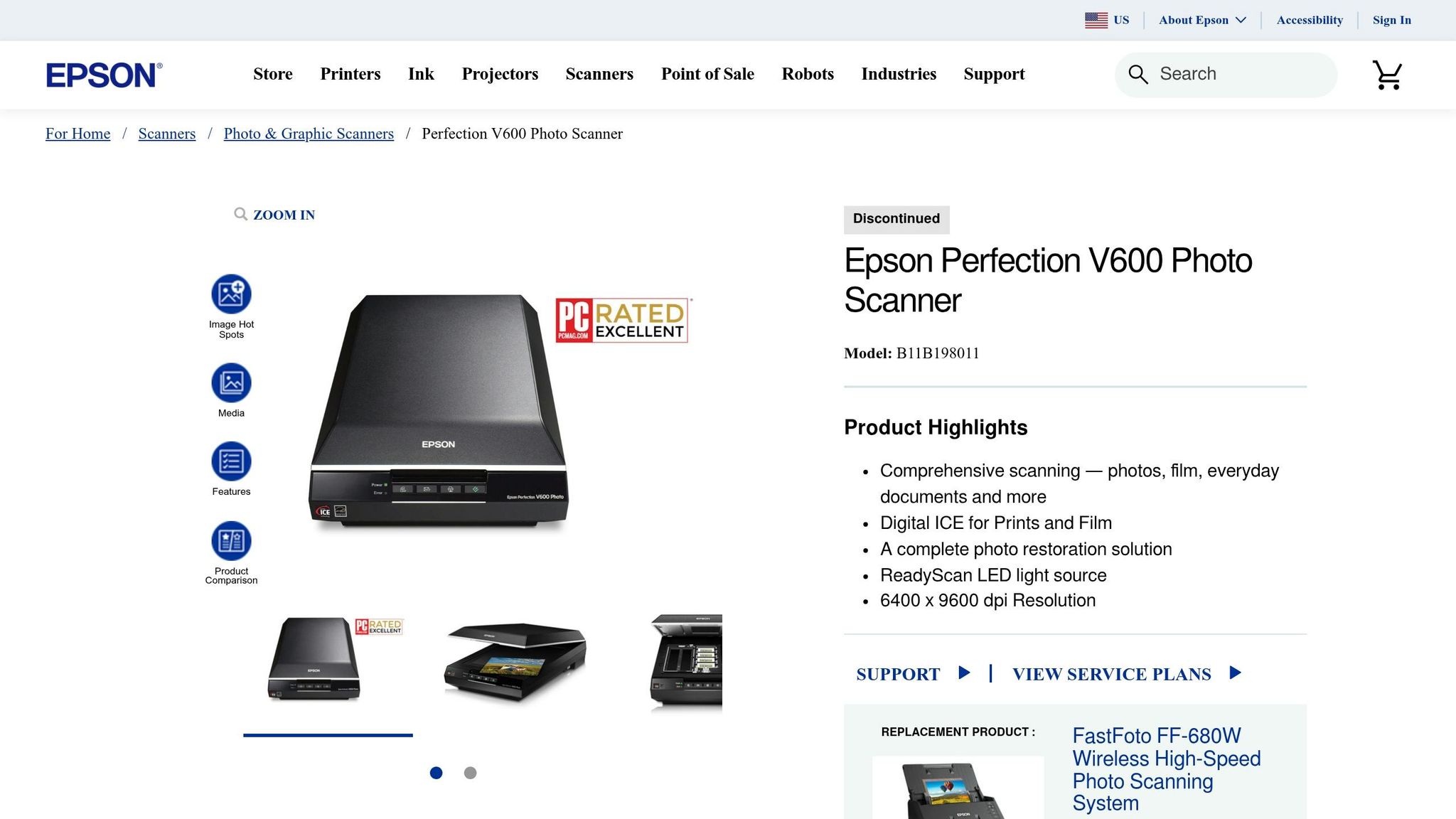
この Epson Perfection V600 は、高品質なスキャンを求める小規模な写真コレクションに最適な選択肢です。6,400 DPIという優れた光学解像度により、35mmおよび中判フィルム用の透過原稿ユニットを内蔵しているため、プリント、スライド、ネガに対応します。さらに、Digital ICEテクノロジーにより、スキャン中にホコリや傷を自動的に除去します。 TechGearLab Senior Review Analyst Sentry Kelly praised it, saying:
I think this scanner is far and away the best for scan quality
At around $230, this scanner offers outstanding quality, making it a great option for preserving your family’s memories.
Epson FastFoto FF-680W
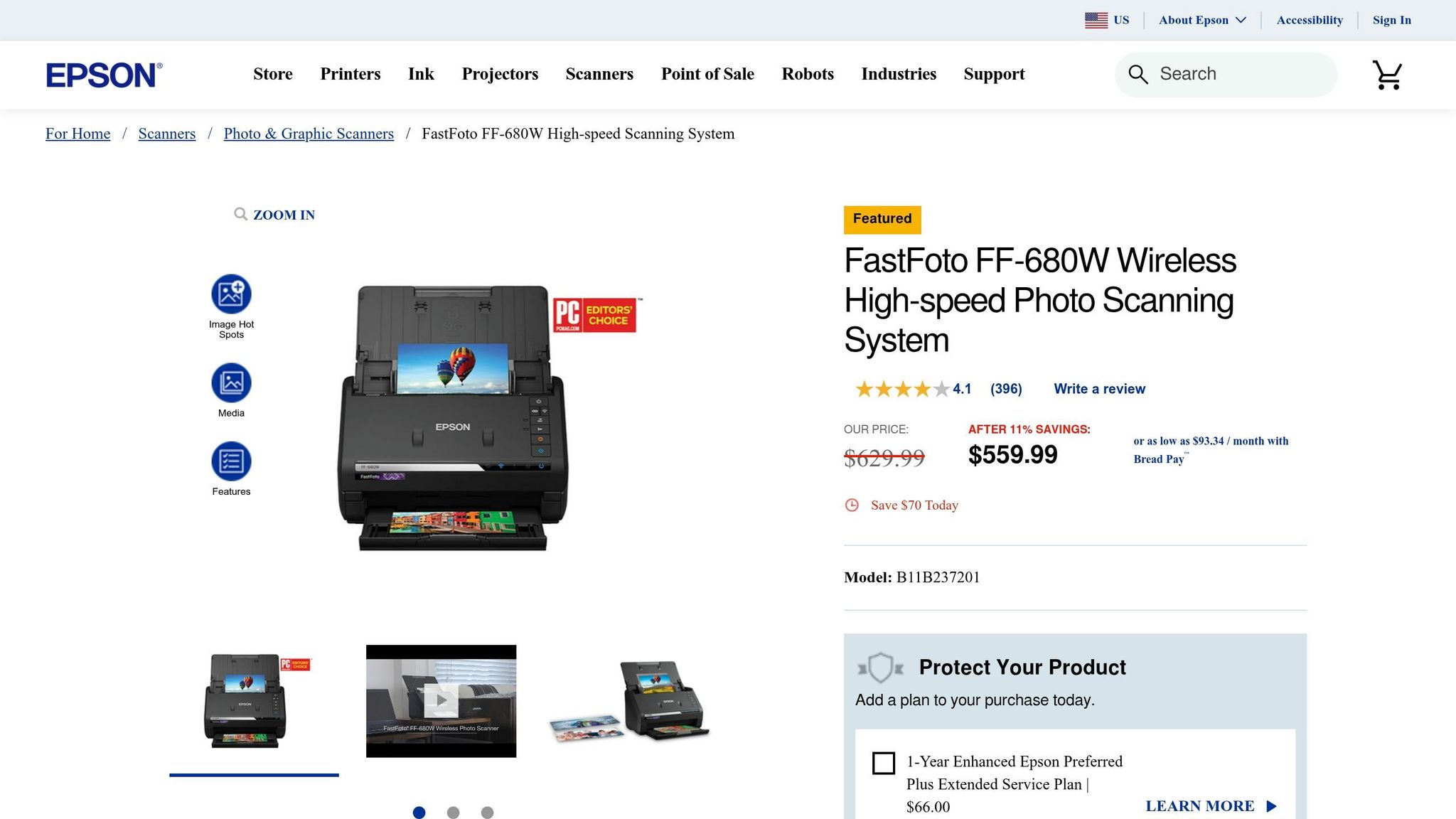
If you’re tackling a large collection, the Epson FastFoto FF-680W is a game-changer. It can process 36 photos in just 36 seconds at 300 DPI. PCMag editors highlighted its efficiency, noting:
makes perfect sense as a group purchase to pass from family member to family member, to each digitize their own cache of old photos
While it excels at handling stacks of photos with its automatic document feeder, it doesn’t support negatives or slides. Priced at about $560 new or $400 for certified refurbished models, it’s ideal for large-scale digitization projects.
Canon ImageFORMULA R40
The Canon ImageFORMULA R40 is a versatile option with a 600 DPI resolution and a 60-sheet automatic document feeder, making it efficient for processing photos. TechGearLab gave it an impressive overall score of 88/100 and named it the "Best Overall Scanner for Most Users". With a price range of $200 to $300, it offers dependable performance without breaking the bank.
Plustek ePhoto Z300
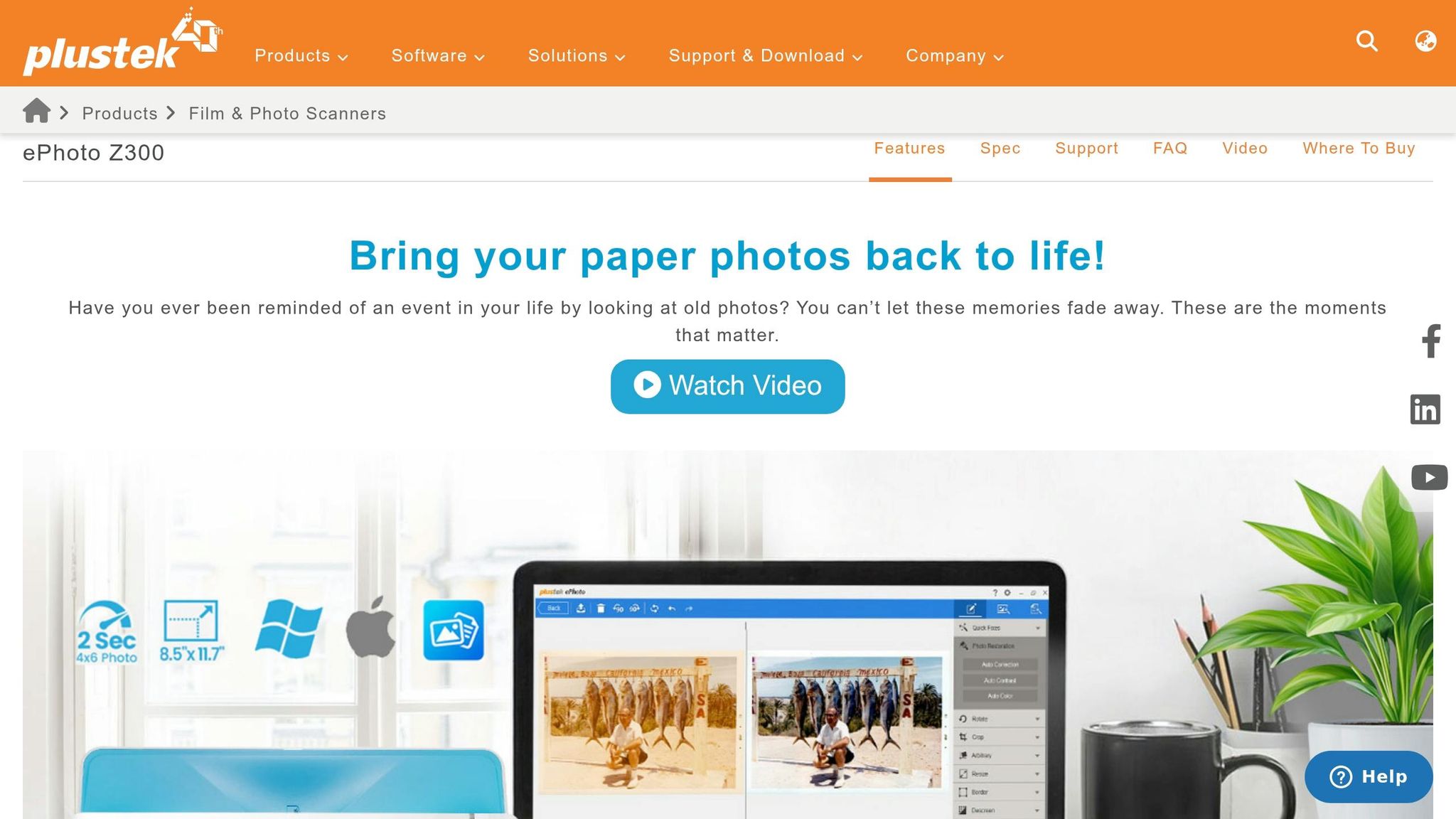
For delicate and fragile prints, the Plustek ePhoto Z300 is a standout. Its gentle slot-feed mechanism is designed to protect photos better than traditional document rollers. It scans a 4" x 6" photo in just 2 seconds. PCMag editors noted:
designed to minimize potential harm to photos
With over 9,600 Amazon reviews averaging 4.5 out of 5 stars, this scanner is priced between $200 and $220, making it a safe choice for handling delicate prints.
Canon CanoScan LiDE 400
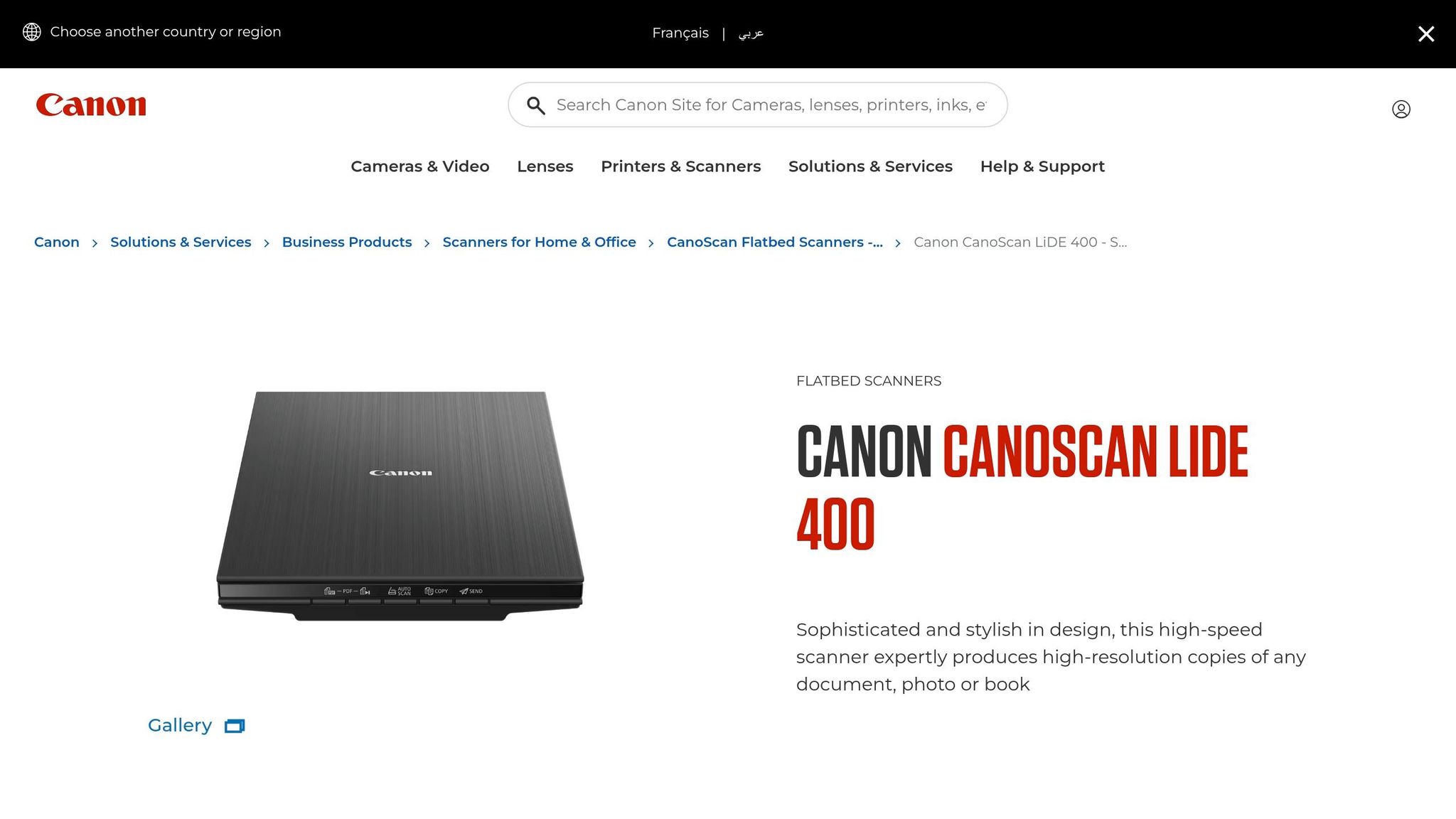
The Canon CanoScan LiDE 400 offers a solid 4,800 DPI resolution and can scan a 4" x 6" photo in just 4 seconds at 300 DPI. It’s powered by a single USB-C cable and even includes a kickstand for upright scanning, saving valuable desk space. PCMag rated it as "Excellent" with a score of 4.0. Available for around $97, this scanner is an affordable way to digitize your family photo collection.
sbb-itb-ce27d7a
Scanner Feature Comparison
When choosing a scanner, think about the size of your photo collection and how you plan to preserve it. Scanners differ in terms of resolution, speed, and capabilities, so these factors will help you find the right fit.
Resolution is one of the most important factors. For instance, the Epson Perfection V600 delivers an impressive 6,400 DPI optical resolution, making it ideal for high-quality archiving. On the other hand, the Canon CanoScan LiDE 400 offers 4,800 DPI, which is great for detailed scanning at a lower cost. However, if speed is your priority, high-speed sheetfed scanners like the Epson FastFoto FF-680W, Canon ImageFORMULA R40, and Plustek ePhoto Z300 provide 600 DPI, which is sufficient for most photo and document needs.
Speed and batch processing capabilities vary significantly across these models. The FastFoto FF-680W stands out with its ability to scan one photo per second and handle batches of 30–100 sheets. The Canon ImageFORMULA R40, equipped with a 60-sheet automatic document feeder, is another excellent option for batch processing. In contrast, the Plustek ePhoto Z300 uses a motorized slot feed, scanning photos in about 2 seconds each. Flatbed scanners, like the LiDE 400 and Perfection V600, require manual placement and are slower - taking approximately 8 seconds and 38 seconds per scan at 600 DPI, respectively.
Media compatibility is another factor to consider. For example, the Epson Perfection V600 includes a built-in transparency unit, making it the only option here capable of scanning negatives and slides. This feature is ideal for those looking to digitize film.
Feature Comparison Table
Pairing Photos with Family Stories
Digitized photos are powerful on their own, but their true value shines when paired with the stories behind them. Take, for instance, a photo of your grandmother at 20. While her smile might captivate you, the absence of context could mean future generations lose the deeper meaning tied to that moment. The National Archives highlights a sobering fact: 90% of oral histories disappear within three generations if not documented. By embedding these stories into your photos, you ensure that the essence of your family’s history is preserved for years to come.
Photos have an incredible way of sparking memories. They can bring back events, emotions, and small details that might otherwise fade with time. When you combine scanned photographs with recorded stories, you create a legacy that captures not just the visuals but also the heart of those moments.
A practical way to preserve this connection is by embedding metadata into your digital files. Add details like names, dates, locations, and descriptions to each image. For instance, instead of leaving a file named "IMG_1234.jpg", rename it to something like "1965-06-15_grandma_graduation_pres.jpg." This simple step not only organizes your collection but also makes each photo's story instantly accessible. Metadata transforms a random image into a meaningful piece of family history.
As Viola Davis beautifully puts it:
"Every story matters. My father's story matters. We are all worthy of telling our stories and having them heard. We all need to be seen and honored in the same way that we all need to breathe." - Viola Davis, Actress
How Storii Helps Preserve Life Stories
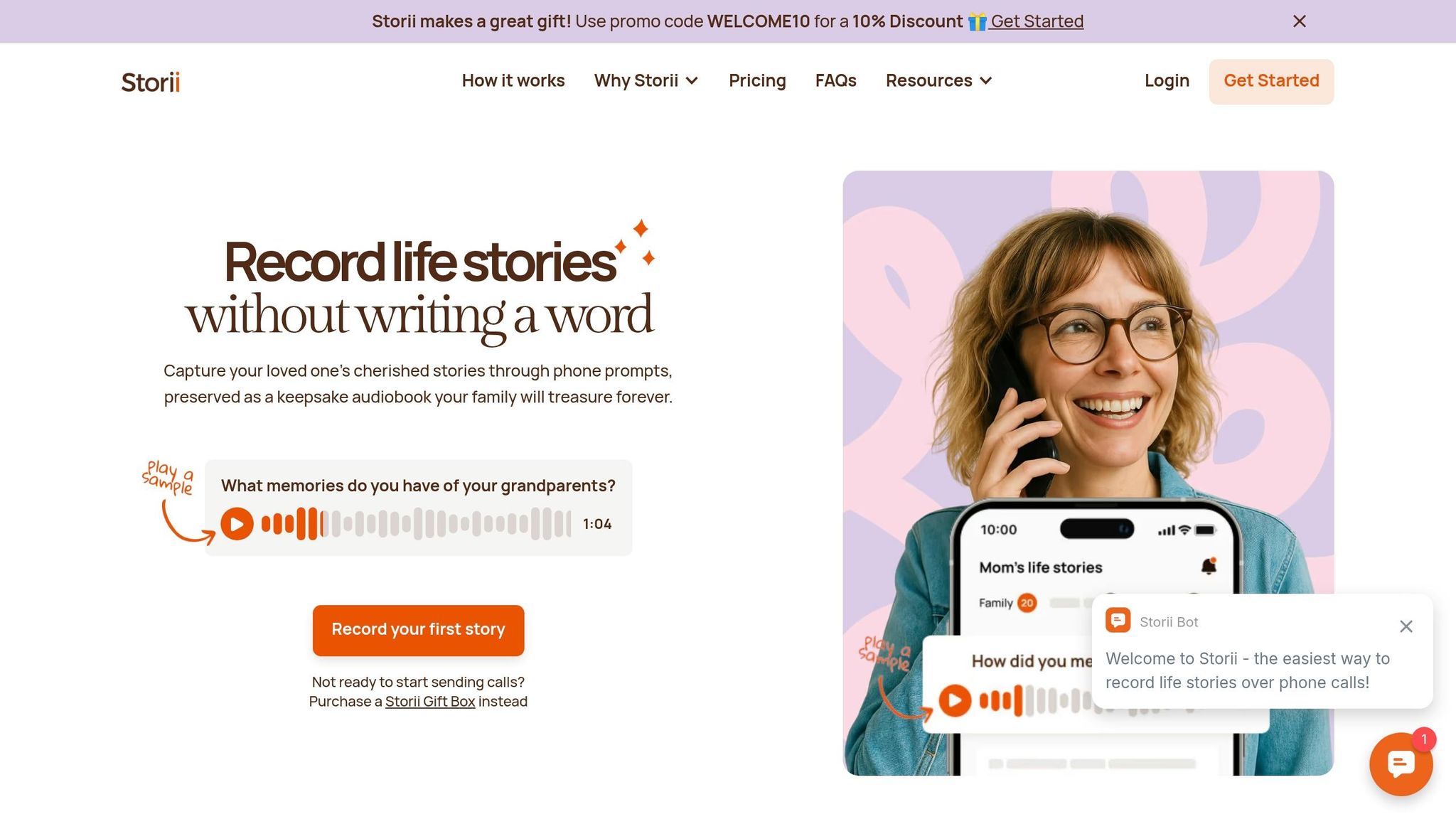
Storii (https://storii.com) takes preserving family history to the next level by capturing the voices behind the images. The platform uses automated phone calls to help record family memories, ensuring that even those without internet or smartphones can easily participate. Loved ones receive calls with guided prompts from a library of over 1,000 carefully curated questions, making storytelling simple and natural - no need to face the daunting task of starting from scratch.
Each recording is transcribed and turned into downloadable audiobooks or PDFs, which can be securely shared with family members. This creates a lasting collection of memories that pairs seamlessly with your scanned photo archive. At just $9.99 per month or $99 per year, Storii offers an affordable way to preserve the voices and stories that make your family photos truly come alive.
Conclusion
Main Points to Remember
When choosing a photo scanner, focus on resolution, speed, and media compatibility. For most family photos, scanning at 300–600 DPI strikes a good balance between quality and manageable file sizes. If you have a large number of prints, a sheetfed scanner with an Automatic Document Feeder can handle up to one photo per second, making it a time-efficient option. On the other hand, flatbed scanners are a safer choice for delicate, curled, or damaged photos. If your collection includes negatives or slides, look for scanners with media-specific features like transparency units or specialized holders.
As the PhotoScanRestore Team explains:
"Choosing a photo scanner is a trade‑off between speed, safety, and print quality".
Consider the size of your collection and your budget. A basic flatbed scanner might cost around $75, while high-speed feeders can run up to $630. For extensive collections, time savings can make a pricier option worthwhile. As PCMag highlights:
"The FastFoto... will pay for itself in time savings many times over for big scan jobs".
With these tips in mind, you’re ready to start preserving your memories.
Getting Started with Photo Preservation
Now that you know what to look for, it’s time to digitize those cherished photos. Physical prints degrade over time, so don’t wait - start scanning today. Begin by organizing your photos by theme or date, then back up your digital files on an external drive and in the cloud.
To add even more value to your scanned photos, pair them with the stories behind them. Tools like Storii make this easy. For $9.99 per month or $99 per year, Storii uses automated phone calls and guided prompts to help record family stories. The service produces transcriptions, audiobooks, and PDFs, creating a rich narrative to accompany your photo archive. This way, future generations inherit not just the images but the full context of your family’s history.
FAQs
What scan settings should I use to keep file sizes reasonable?
To keep your file sizes under control, adjust your scanner settings to a resolution of 300–600 DPI, depending on how much detail you need. For most purposes, 300 DPI 十分ですが、より詳細な部分を捉えたい場合は、 600 DPI。スキャンした画像は JPEG形式 で、ファイルサイズをさらに小さくするために圧縮して保存しましょう。また、色設定を調整することもできます。例えば、 グレースケール や RGB を使用して、詳細さとファイルサイズのバランスを取ることができます。これらの調整により、ファイルが過度に大きくなることなく、写真の品質を維持できます。
傷つきやすい、または丸まった古い写真を傷つけずにスキャンするにはどうすればよいですか?
傷つきやすい、または丸まった古い写真を傷つけずにスキャンするには、例えば Plustek ePhoto Z300のような、優しいスロットフィード機構を備えたスキャナーを選びましょう。この設計により、過度な取り扱いが不要になり、損傷のリスクが低減されます。非常にデリケートな写真には、柔らかく反射しない表面を持つフラットベッドスキャナーが最適です。写真は丁寧に扱い、曲げたり圧力をかけたりしないように注意してください。また、スキャン中に傷や跡がつかないよう、スキャナーのガラス面が清潔であることを確認してください。
スキャンした写真を長期保存するために、ラベル付けとバックアップを行う最善の方法は何ですか?
スキャンした写真を長期的に安全に保つには、構造化された方法で整理することから始めましょう。例えば、日付、イベント、あるいは写真に写っている人物ごとに整理するなどです。特定の日付や行事などの重要な詳細を含む、一貫性のある詳細なファイル名を使用することで、特定の写真を簡単に見つけられるようになります。
それだけでは終わりません。ファイルをバックアップしましょう!複数のコピーを作成し、外付けハードドライブやクラウドストレージサービスなど、異なる場所に保存してください。デジタルメモリーが長期にわたって安全でアクセスしやすい状態を保つために、これらのバックアップを定期的に確認・更新する習慣をつけましょう。
関連ブログ記事
{"@context":"https://schema.org","@type":"FAQPage","mainEntity":[{"@type":"Question","name":"ファイルサイズを適切に保つには、どのようなスキャン設定を使用すればよいですか?","acceptedAnswer":{"@type":"Answer","text":"<p>ファイルサイズを管理しやすくするには、必要な詳細度に応じてスキャナーの設定を<strong>300~600 DPI</strong>の解像度に調整してください。ほとんどの場合、<strong>300 DPI</strong>で十分ですが、より細かいディテールを捉えたい場合は<strong>600 DPI</strong>を選択してください。ファイルサイズをさらに縮小するには、スキャンした画像を圧縮して<strong>JPEG</strong>形式で保存します。また、<strong>グレースケール</strong>や<strong>RGB</strong>などのカラー設定を調整して、ディテールとファイルサイズのバランスを取ることもできます。これらの調整により、ファイルが過度に大きくなることなく、写真の品質を維持できます。</p>"}},{"@type":"Question","name":"壊れやすい、または丸まった古い写真を傷つけずにスキャンするにはどうすればよいですか?","acceptedAnswer":{"@type":"Answer","text":"<p>壊れやすい、または丸まった古い写真を傷つけずにスキャンするには、<strong>Plustek ePhoto Z300</strong>のような、やさしいスロットフィード機構を備えたスキャナーを選ぶのが良いでしょう。この設計により、過度な取り扱いが不要になり、損傷のリスクが低減されます。非常にデリケートな写真には、柔らかく反射しない表面を持つフラットベッドスキャナーが最適です。写真を扱う際は、曲げたり圧力をかけたりしないよう注意してください。また、スキャン中に傷や跡がつかないように、スキャナーのガラス面が清潔であることを確認してください。</p>"}},{"@type":"Question","name":"スキャンした写真を長期保存するために、どのようにラベル付けし、バックアップするのが最適ですか?","acceptedAnswer":{"@type":"Answer","text":"<p>スキャンした写真を長期にわたって安全に保管するには、まず日付、イベント、あるいは写真に写っている人物ごとに整理するなど、体系的な方法で整理することから始めましょう。特定のスキャンした写真を簡単に見つけられるように、日付や行事などの重要な詳細を含む一貫性のある詳細なファイル名を使用してください。</p> <p>それだけでは終わりません。ファイルをバックアップしましょう!複数のコピーを作成し、外付けハードドライブやクラウドストレージサービスなど、異なる場所に保存してください。これらのバックアップを定期的に確認し、更新する習慣をつけ、デジタルメモリーが安全に保たれ、時間の経過とともに簡単にアクセスできるようにしましょう。</p>"}}]}
Storii ギフトボックス
母の日、父の日、誕生日、祝日などの特別な日に最適です。

