
.png)
Digitalizar fotos antiguas es la mejor manera de preservarlas del deterioro, el daño o la pérdida. Los escáneres de fotos dedicados ofrecen mejor calidad, velocidad y funciones que las aplicaciones de smartphone. Los factores clave a considerar incluyen la resolución, la velocidad y la compatibilidad con negativos o diapositivas. A continuación, se presentan los mejores escáneres para preservar tus recuerdos familiares:
- Epson Perfection V600: Escaneos de alta calidad con resolución de 6.400 DPI, maneja impresiones, negativos y diapositivas. Incluye funciones de eliminación de polvo y arañazos. (~$230)
- Epson FastFoto FF-680W: Ideal para grandes colecciones, escanea hasta 36 fotos en 36 segundos. No es compatible con diapositivas o negativos. (~$560)
- Canon ImageFORMULA R40: Eficiente para el escaneo por lotes con un alimentador de 60 hojas, resolución de 600 DPI. (~$287)
- Plustek ePhoto Z300: Delicado con fotos frágiles, escanea una de 4" x 6" en 2 segundos. (~$220)
- Canon CanoScan LiDE 400: Escáner plano asequible con resolución de 4.800 DPI, ideal para uso ocasional. (~$97)
Comparación Rápida
Empieza a escanear hoy mismo para salvaguardar tus recuerdos. Combina tus fotos digitalizadas con historias familiares para un legado más rico. Herramientas como Storii puede ayudarte a documentar estas historias por solo $9.99 al mes.

Comparativa de escáneres de fotos: Guía de resolución, velocidad y precio
Los 5 mejores escáneres de fotos de 2026 | ¡Los mejores escáneres de fotos probados!
Qué buscar en un escáner de fotos
Al elegir un escáner de fotos, piensa en el tamaño de tu colección de fotos, el estado de tus imágenes y los tipos de medios que vas a escanear. De esta manera, podrás evitar gastar más de lo necesario. Además, presta mucha atención a la resolución y a la calidad del sensor para asegurarte de capturar cada detalle.
Resolución y calidad de imagen
Para impresiones fotográficas estándar, una resolución de 600 DPI es suficiente. Sin embargo, si planeas ampliar imágenes o realizar ediciones detalladas, busca un escáner que ofrezca 1,200 DPI o superior. Al trabajar con negativos o diapositivas, busca una resolución entre 2,400 y 7,200 DPI y una profundidad de color de al menos 24 bits, aunque el color de 48 bits es ideal para resultados de calidad profesional.
Los escáneres con sensores CCD ofrecen una mayor precisión de color y detalle en comparación con los modelos CIS. Además, características como Digital ICE o la limpieza por infrarrojos pueden eliminar eficazmente arañazos y polvo, dando a tus escaneos un acabado pulido.
Velocidad de escaneo y procesamiento por lotes
Si tienes que escanear una gran colección de fotos, la velocidad importa. Los escáneres de alimentación de hojas son mucho más rápidos, procesando imágenes en 1-2 segundos cada una, mientras que los escáneres planos tardan aproximadamente 8-10 segundos por imagen. Por ejemplo, el Epson FastFoto FF-680W puede escanear 35 fotos en 35 segundos, y el Ricoh ScanSnap iX2500 puede manejar hasta 100 fotos por minuto.
Un Alimentador Automático de Documentos (ADF) es otra característica útil para el escaneo por lotes, que te permite escanear 20-100 hojas a la vez. Modelos como el Canon imageFORMULA RS40 pueden contener hasta 60 hojas, mientras que el Ricoh ScanSnap iX2500 admite 100 hojas. Un alimentador es perfecto para procesar grandes colecciones de manera eficiente, pero para fotos antiguas frágiles, rotas o muy rizadas, los escáneres de cama plana son una opción más segura.
Una excelente estrategia es combinar ambos métodos: usar un escáner de alimentación de hojas de alta velocidad para la mayor parte de tu colección y cambia a un escáner plano para fotos delicadas o dañadas.
Compatibilidad con negativos y diapositivas
Si tu colección incluye negativos o diapositivas, elige un escáner con soportes de película dedicados. Modelos como el Epson Perfection V600 (6.400 DPI) o el Plustek Opticfilm 8200i SE (7.200 DPI) son excelentes para capturar detalles finos, ofreciendo resoluciones entre 4.800 y 9.600 DPI. Ten en cuenta que los escáneres de alimentación de hojas, como el Epson FastFoto FF-680W, están diseñados para impresiones y no pueden manejar medios transparentes como negativos o diapositivas.
Los 5 mejores escáneres para fotos antiguas
A continuación, te presentamos algunos de los mejores escáneres que combinan fiabilidad, velocidad y calidad para ayudarte a preservar tus preciadas fotos familiares.
Epson Perfection V600
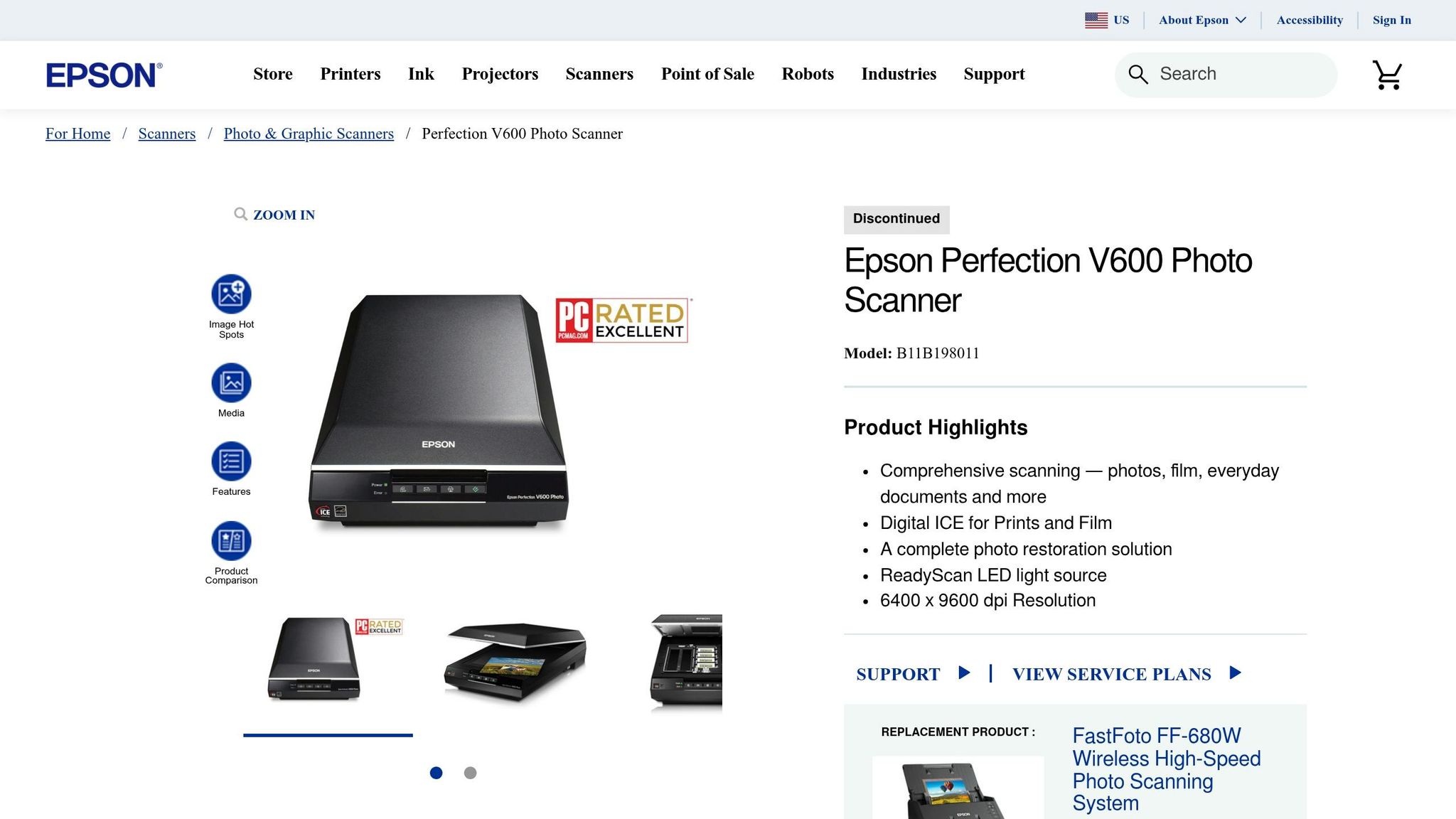
El Epson Perfection V600 es una opción fantástica para colecciones de fotos más pequeñas que exigen escaneos de alta calidad. Con una impresionante resolución óptica de 6.400 DPI, maneja impresiones, diapositivas y negativos, gracias a sus unidades de transparencia integradas para películas de 35 mm y formato medio. Además, su tecnología Digital ICE elimina automáticamente el polvo y los arañazos durante el proceso de escaneo. TechGearLab Senior Review Analyst Sentry Kelly praised it, saying:
I think this scanner is far and away the best for scan quality
At around $230, this scanner offers outstanding quality, making it a great option for preserving your family’s memories.
Epson FastFoto FF-680W
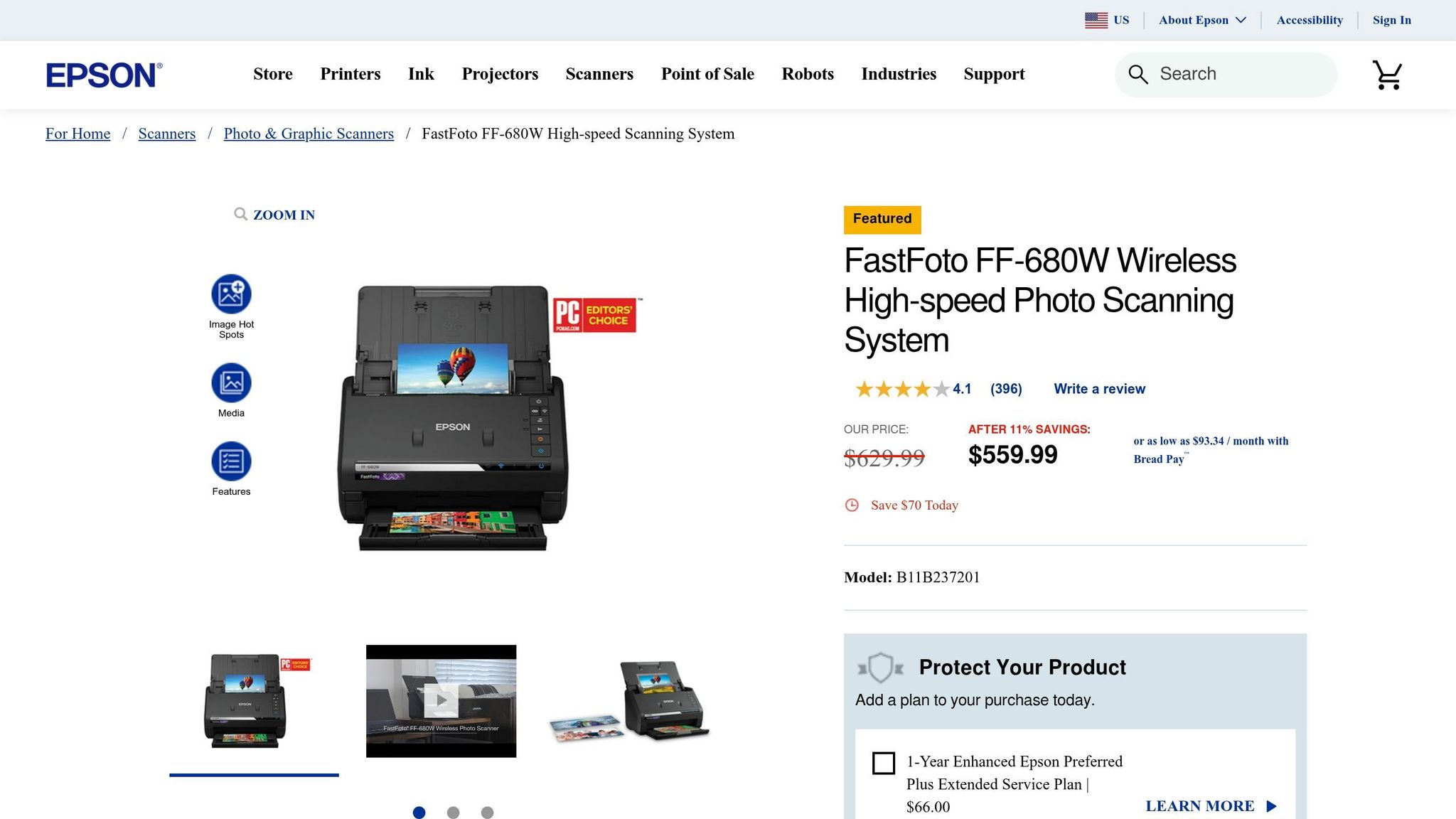
If you’re tackling a large collection, the Epson FastFoto FF-680W is a game-changer. It can process 36 photos in just 36 seconds at 300 DPI. PCMag editors highlighted its efficiency, noting:
makes perfect sense as a group purchase to pass from family member to family member, to each digitize their own cache of old photos
While it excels at handling stacks of photos with its automatic document feeder, it doesn’t support negatives or slides. Priced at about $560 new or $400 for certified refurbished models, it’s ideal for large-scale digitization projects.
Canon ImageFORMULA R40
The Canon ImageFORMULA R40 is a versatile option with a 600 DPI resolution and a 60-sheet automatic document feeder, making it efficient for processing photos. TechGearLab gave it an impressive overall score of 88/100 and named it the "Best Overall Scanner for Most Users". With a price range of $200 to $300, it offers dependable performance without breaking the bank.
Plustek ePhoto Z300
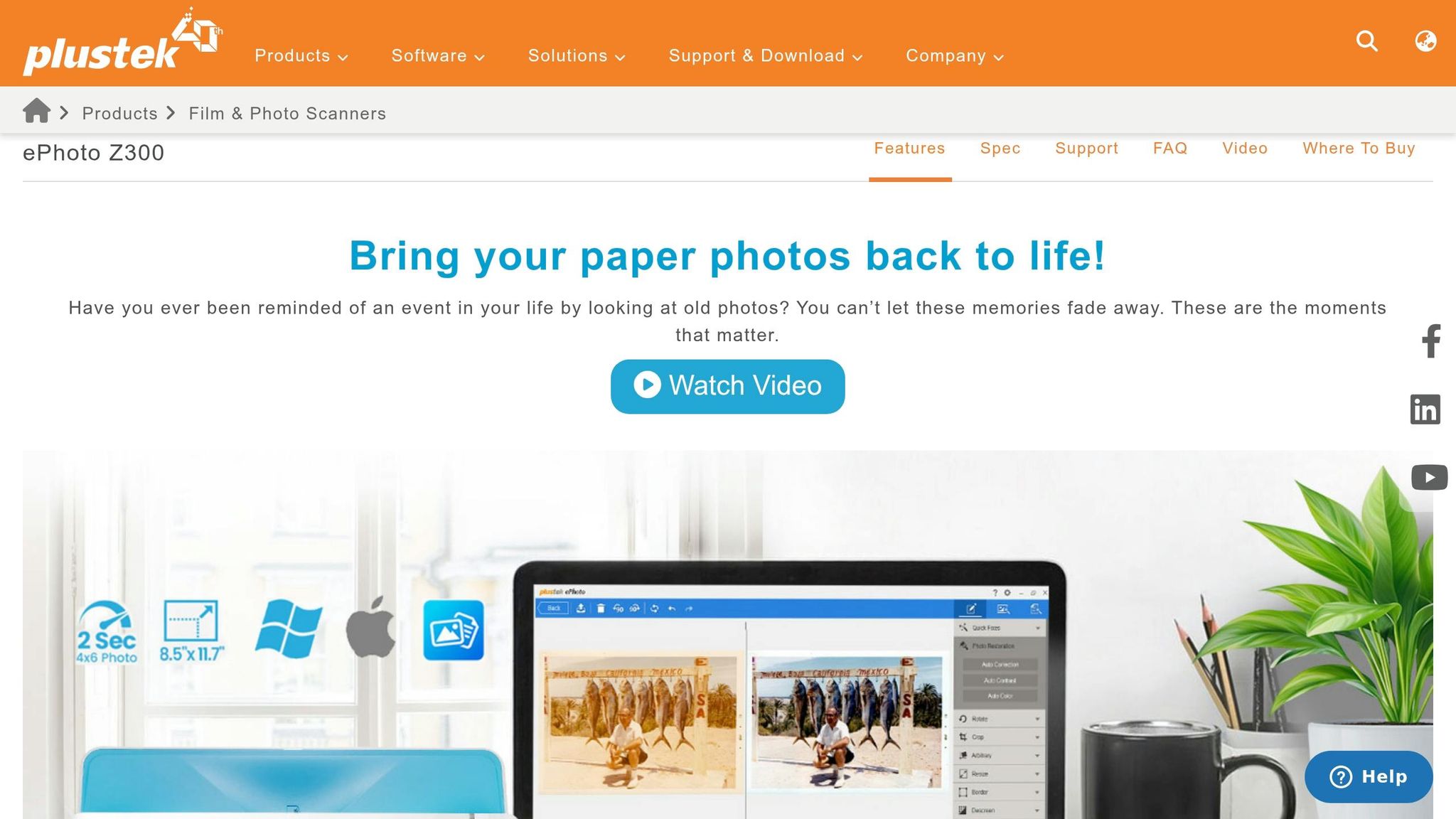
For delicate and fragile prints, the Plustek ePhoto Z300 is a standout. Its gentle slot-feed mechanism is designed to protect photos better than traditional document rollers. It scans a 4" x 6" photo in just 2 seconds. PCMag editors noted:
designed to minimize potential harm to photos
With over 9,600 Amazon reviews averaging 4.5 out of 5 stars, this scanner is priced between $200 and $220, making it a safe choice for handling delicate prints.
Canon CanoScan LiDE 400
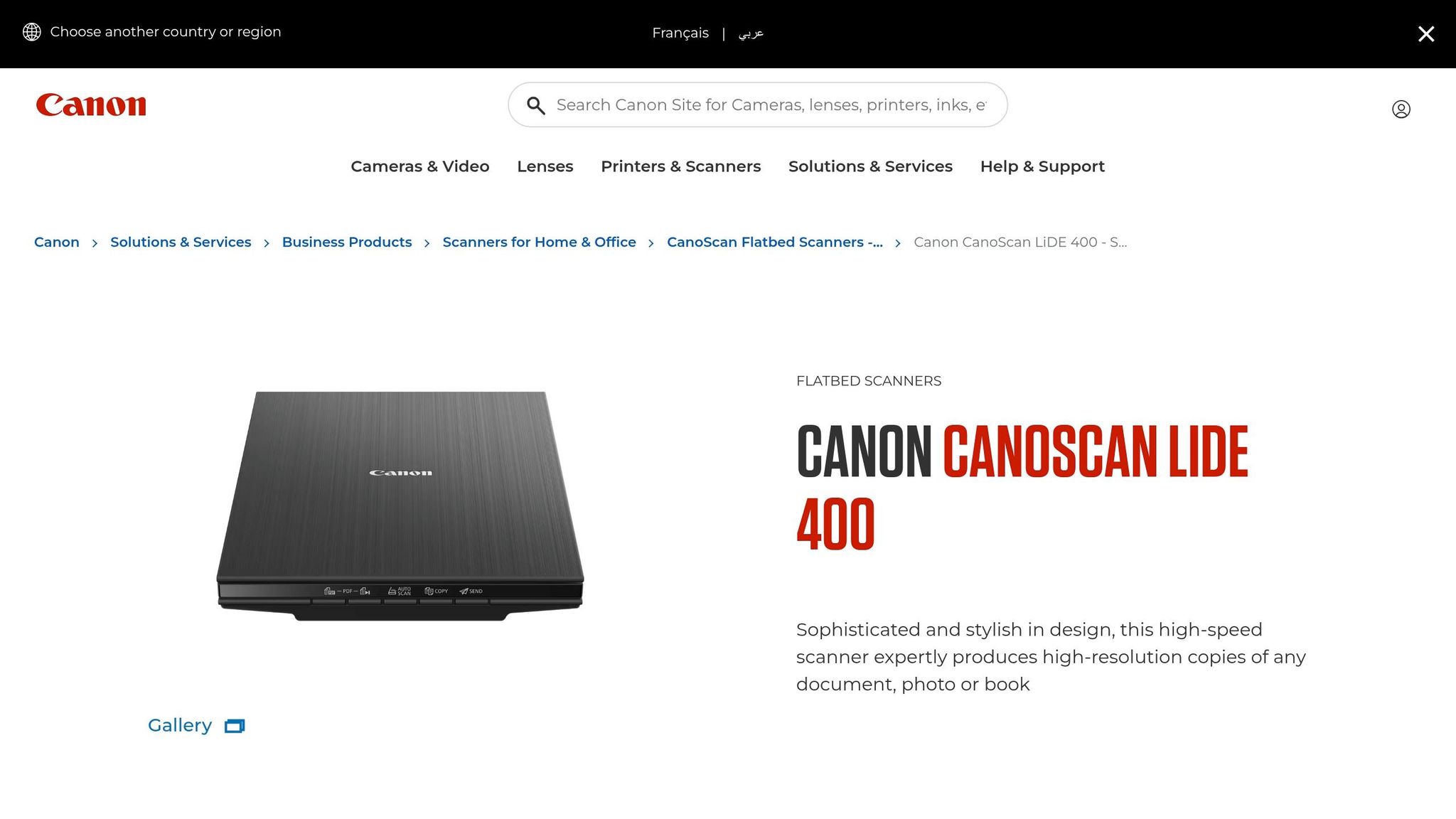
The Canon CanoScan LiDE 400 offers a solid 4,800 DPI resolution and can scan a 4" x 6" photo in just 4 seconds at 300 DPI. It’s powered by a single USB-C cable and even includes a kickstand for upright scanning, saving valuable desk space. PCMag rated it as "Excellent" with a score of 4.0. Available for around $97, this scanner is an affordable way to digitize your family photo collection.
sbb-itb-ce27d7a
Scanner Feature Comparison
When choosing a scanner, think about the size of your photo collection and how you plan to preserve it. Scanners differ in terms of resolution, speed, and capabilities, so these factors will help you find the right fit.
Resolution is one of the most important factors. For instance, the Epson Perfection V600 delivers an impressive 6,400 DPI optical resolution, making it ideal for high-quality archiving. On the other hand, the Canon CanoScan LiDE 400 offers 4,800 DPI, which is great for detailed scanning at a lower cost. However, if speed is your priority, high-speed sheetfed scanners like the Epson FastFoto FF-680W, Canon ImageFORMULA R40, and Plustek ePhoto Z300 provide 600 DPI, which is sufficient for most photo and document needs.
Speed and batch processing capabilities vary significantly across these models. The FastFoto FF-680W stands out with its ability to scan one photo per second and handle batches of 30–100 sheets. The Canon ImageFORMULA R40, equipped with a 60-sheet automatic document feeder, is another excellent option for batch processing. In contrast, the Plustek ePhoto Z300 uses a motorized slot feed, scanning photos in about 2 seconds each. Flatbed scanners, like the LiDE 400 and Perfection V600, require manual placement and are slower - taking approximately 8 seconds and 38 seconds per scan at 600 DPI, respectively.
Media compatibility is another factor to consider. For example, the Epson Perfection V600 includes a built-in transparency unit, making it the only option here capable of scanning negatives and slides. This feature is ideal for those looking to digitize film.
Feature Comparison Table
Pairing Photos with Family Stories
Digitized photos are powerful on their own, but their true value shines when paired with the stories behind them. Take, for instance, a photo of your grandmother at 20. While her smile might captivate you, the absence of context could mean future generations lose the deeper meaning tied to that moment. The National Archives highlights a sobering fact: 90% of oral histories disappear within three generations if not documented. By embedding these stories into your photos, you ensure that the essence of your family’s history is preserved for years to come.
Photos have an incredible way of sparking memories. They can bring back events, emotions, and small details that might otherwise fade with time. When you combine scanned photographs with recorded stories, you create a legacy that captures not just the visuals but also the heart of those moments.
A practical way to preserve this connection is by embedding metadata into your digital files. Add details like names, dates, locations, and descriptions to each image. For instance, instead of leaving a file named "IMG_1234.jpg", rename it to something like "1965-06-15_grandma_graduation_pres.jpg." This simple step not only organizes your collection but also makes each photo's story instantly accessible. Metadata transforms a random image into a meaningful piece of family history.
As Viola Davis beautifully puts it:
"Every story matters. My father's story matters. We are all worthy of telling our stories and having them heard. We all need to be seen and honored in the same way that we all need to breathe." - Viola Davis, Actress
How Storii Helps Preserve Life Stories
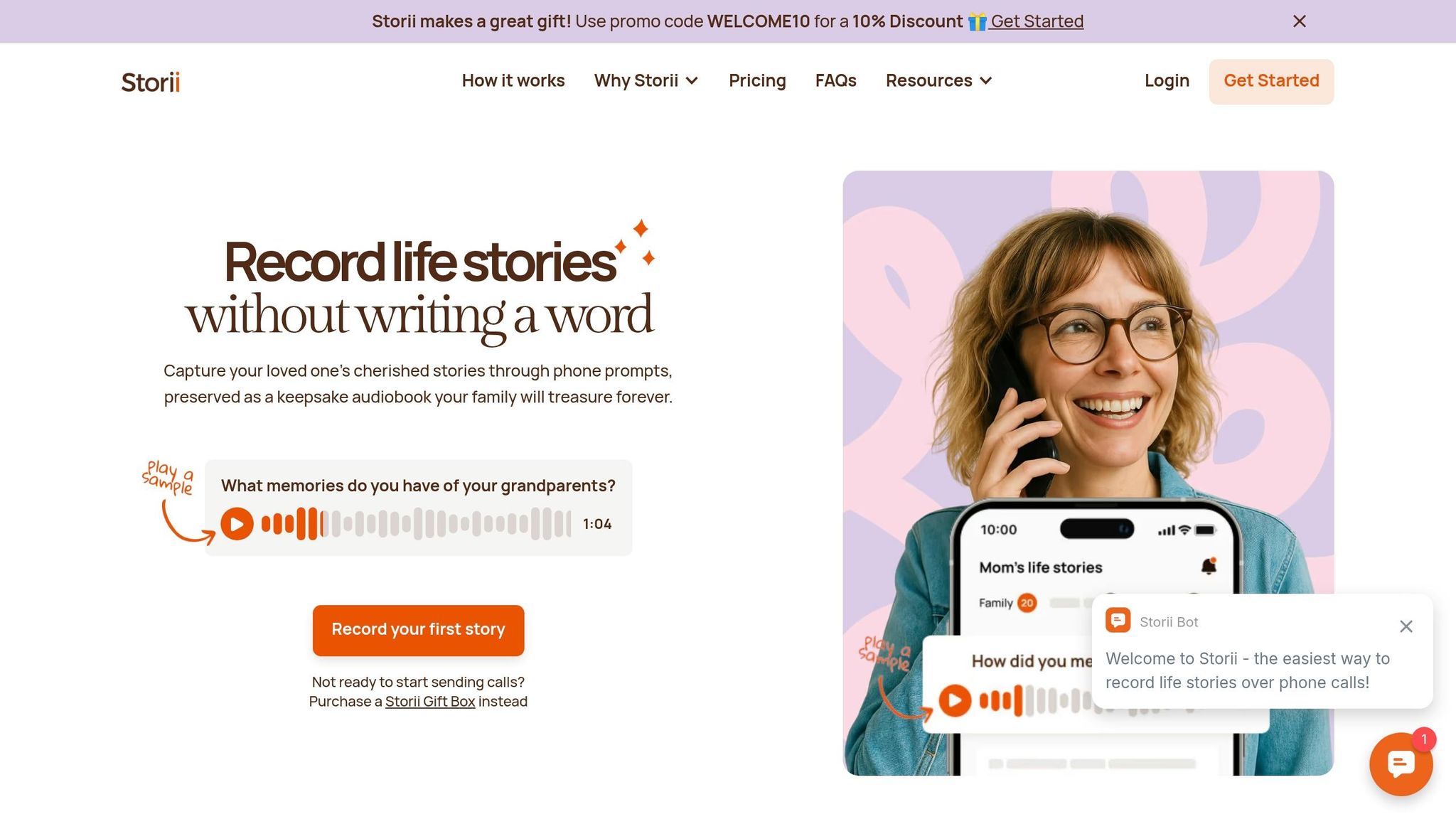
Storii (https://storii.com) takes preserving family history to the next level by capturing the voices behind the images. The platform uses automated phone calls to help record family memories, ensuring that even those without internet or smartphones can easily participate. Loved ones receive calls with guided prompts from a library of over 1,000 carefully curated questions, making storytelling simple and natural - no need to face the daunting task of starting from scratch.
Each recording is transcribed and turned into downloadable audiobooks or PDFs, which can be securely shared with family members. This creates a lasting collection of memories that pairs seamlessly with your scanned photo archive. At just $9.99 per month or $99 per year, Storii offers an affordable way to preserve the voices and stories that make your family photos truly come alive.
Conclusion
Main Points to Remember
When choosing a photo scanner, focus on resolution, speed, and media compatibility. For most family photos, scanning at 300–600 DPI strikes a good balance between quality and manageable file sizes. If you have a large number of prints, a sheetfed scanner with an Automatic Document Feeder can handle up to one photo per second, making it a time-efficient option. On the other hand, flatbed scanners are a safer choice for delicate, curled, or damaged photos. If your collection includes negatives or slides, look for scanners with media-specific features like transparency units or specialized holders.
As the PhotoScanRestore Team explains:
"Choosing a photo scanner is a trade‑off between speed, safety, and print quality".
Consider the size of your collection and your budget. A basic flatbed scanner might cost around $75, while high-speed feeders can run up to $630. For extensive collections, time savings can make a pricier option worthwhile. As PCMag highlights:
"The FastFoto... will pay for itself in time savings many times over for big scan jobs".
With these tips in mind, you’re ready to start preserving your memories.
Getting Started with Photo Preservation
Now that you know what to look for, it’s time to digitize those cherished photos. Physical prints degrade over time, so don’t wait - start scanning today. Begin by organizing your photos by theme or date, then back up your digital files on an external drive and in the cloud.
To add even more value to your scanned photos, pair them with the stories behind them. Tools like Storii make this easy. For $9.99 per month or $99 per year, Storii uses automated phone calls and guided prompts to help record family stories. The service produces transcriptions, audiobooks, and PDFs, creating a rich narrative to accompany your photo archive. This way, future generations inherit not just the images but the full context of your family’s history.
FAQs
What scan settings should I use to keep file sizes reasonable?
To keep your file sizes under control, adjust your scanner settings to a resolution of 300–600 DPI, depending on how much detail you need. For most purposes, 300 DPI es suficiente, pero si buscas capturar detalles más finos, opta por 600 DPI. Guarda tus escaneos como JPEGs con compresión para reducir aún más el tamaño de los archivos. También puedes ajustar la configuración de color, como usar escala de grises o RGB - para lograr un equilibrio entre el detalle y el tamaño del archivo. Estos ajustes ayudan a mantener la calidad de la foto sin que los archivos sean excesivamente grandes.
¿Cómo puedo escanear fotos antiguas frágiles o enrolladas sin dañarlas?
Para escanear fotos antiguas frágiles o enrolladas sin causarles daño, opta por un escáner con un mecanismo de alimentación por ranura suave, como el Plustek ePhoto Z300. Este diseño reduce la necesidad de manipulación excesiva, disminuyendo el riesgo de daño. Para fotos extremadamente delicadas, un escáner de cama plana con una superficie suave y antirreflejos funciona mejor. Recuerda manipular las fotos con cuidado, evitando cualquier doblez o presión. Además, asegúrate de que el cristal del escáner esté limpio para evitar arañazos o marcas durante el proceso.
¿Cuál es la mejor manera de etiquetar y hacer copias de seguridad de fotos escaneadas para almacenamiento a largo plazo?
Para mantener tus fotos escaneadas seguras a largo plazo, comienza organizándolas de manera estructurada; piensa por fecha, evento o incluso por las personas en las fotos. Usa nombres de archivo consistentes y detallados que incluyan información clave como fechas u ocasiones para que encontrar fotos específicas sea muy fácil.
¡No te detengas ahí, haz copias de seguridad de tus archivos! Crea varias copias y guárdalas en diferentes lugares, como discos duros externos o servicios de almacenamiento en la nube. Adquiere el hábito de revisar y actualizar estas copias de seguridad regularmente para asegurar que tus recuerdos digitales permanezcan seguros y sean fáciles de acceder con el tiempo.
Artículos de blog relacionados
{"@context":"https://schema.org","@type":"FAQPage","mainEntity":[{"@type":"Question","name":"¿Qué configuración de escaneo debo usar para mantener los tamaños de archivo razonables?","acceptedAnswer":{"@type":"Answer","text":"<p>Para mantener el tamaño de tus archivos bajo control, ajusta la configuración de tu escáner a una resolución de <strong>300–600 DPI</strong>, dependiendo de la cantidad de detalle que necesites. Para la mayoría de los propósitos, <strong>300 DPI</strong> es suficiente, pero si buscas capturar detalles más finos, opta por <strong>600 DPI</strong>. Guarda tus escaneos como <strong>JPEGs</strong> con compresión para reducir aún más el tamaño de los archivos. También puedes ajustar la configuración de color, como usar <strong>escala de grises</strong> o <strong>RGB</strong>, para encontrar un equilibrio entre el detalle y el tamaño del archivo. Estos ajustes ayudan a mantener la calidad de la foto sin que los archivos sean excesivamente grandes.</p>"}},{"@type":"Question","name":"¿Cómo puedo escanear fotos antiguas frágiles o enrolladas sin dañarlas?","acceptedAnswer":{"@type":"Answer","text":"<p>Para escanear fotos antiguas frágiles o enrolladas sin causarles daño, opta por un escáner con un mecanismo de alimentación por ranura suave, como el <strong>Plustek ePhoto Z300</strong>. Este diseño reduce la necesidad de manipulación excesiva, disminuyendo el riesgo de daños. Para fotos extremadamente delicadas, un escáner de cama plana con una superficie suave y antirreflejos funciona mejor. Recuerda manipular las fotos con cuidado, evitando cualquier doblez o presión. Además, asegúrate de que el cristal del escáner esté limpio para evitar arañazos o marcas durante el proceso.</p>"}},{"@type":"Question","name":"¿Cuál es la mejor manera de etiquetar y hacer copias de seguridad de fotos escaneadas para un almacenamiento a largo plazo?","acceptedAnswer":{"@type":"Answer","text":"<p>Para mantener tus fotos escaneadas seguras a largo plazo, comienza organizándolas de forma estructurada: piensa por fecha, evento o incluso por las personas que aparecen en las imágenes. Utiliza nombres de archivo coherentes y detallados que incluyan información clave como fechas u ocasiones para que encontrar fotos específicas sea muy fácil.</p> <p>Pero no te detengas ahí: ¡haz copias de seguridad de tus archivos! Crea varias copias y guárdalas en diferentes lugares, como discos duros externos o servicios de almacenamiento en la nube. Adopta el hábito de revisar y actualizar estas copias de seguridad regularmente para asegurarte de que tus recuerdos digitales permanezcan seguros y sean fáciles de acceder con el tiempo.</p>"}}]}
Caja de regalo Storii
Ideal para ocasiones especiales como el Día de la Madre, el Día del Padre, los cumpleaños y las fiestas.

