
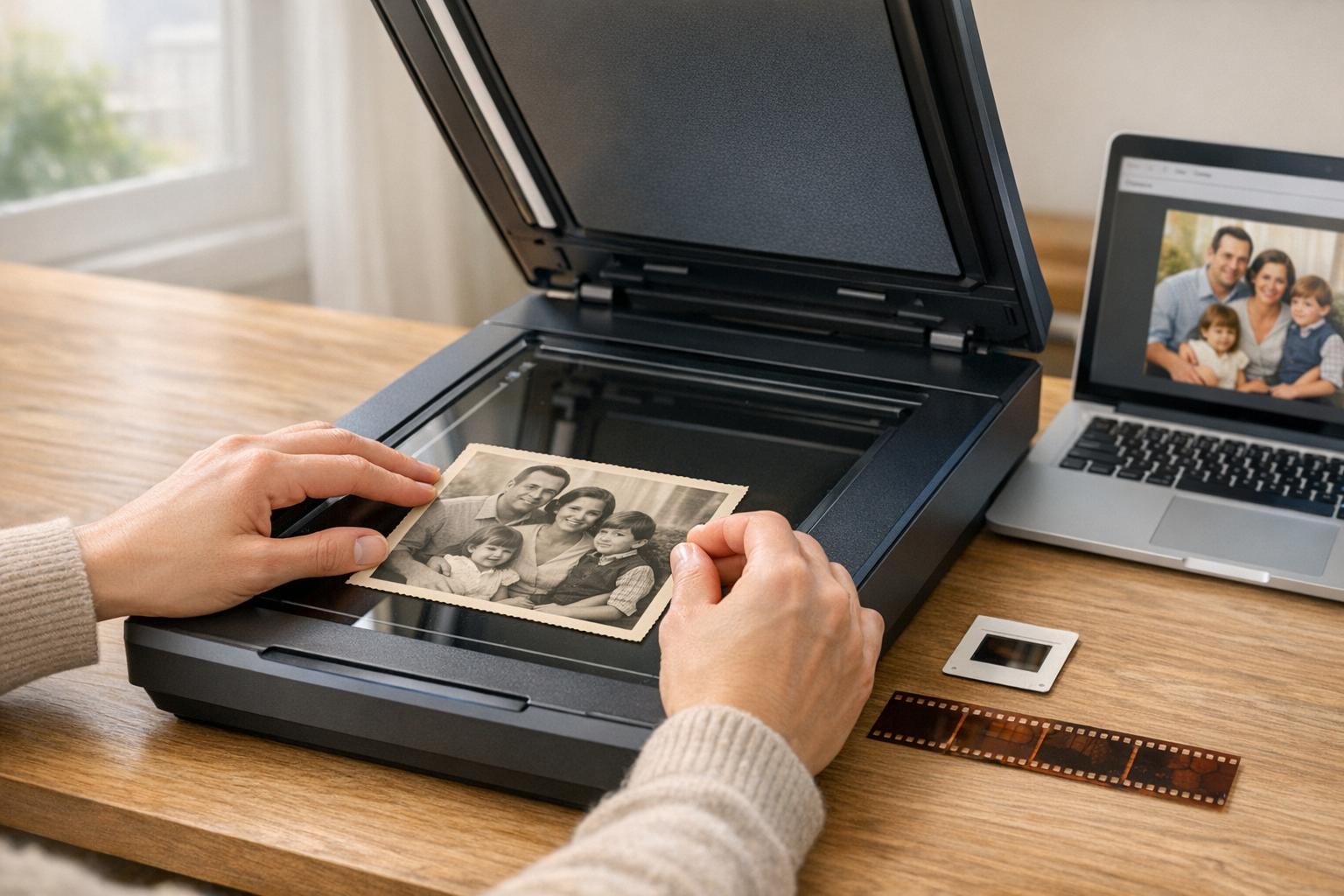
Digitizing old photos is the best way to preserve them against fading, damage, or loss. Dedicated photo scanners deliver better quality, speed, and features than smartphone apps. Key factors to consider include resolution, speed, and compatibility with negatives or slides. Below are the top scanners for preserving your family memories:
- Epson Perfection V600: High-quality scans with 6,400 DPI resolution, handles prints, negatives, and slides. Includes dust and scratch removal features. (~$230)
- Epson FastFoto FF-680W: Ideal for large collections, scans up to 36 photos in 36 seconds. Not compatible with slides or negatives. (~$560)
- Canon ImageFORMULA R40: Efficient for batch scanning with a 60-sheet feeder, 600 DPI resolution. (~$287)
- Plustek ePhoto Z300: Gentle on fragile photos, scans a 4" x 6" in 2 seconds. (~$220)
- Canon CanoScan LiDE 400: Affordable flatbed scanner with 4,800 DPI resolution, great for occasional use. (~$97)
Quick Comparison
| Scanner Model | Resolution | Speed (4" x 6") | Batch Capacity | Price Range | Best For |
|---|---|---|---|---|---|
| Epson Perfection V600 | 6,400 DPI | 38 seconds | Manual (1 at a time) | ~$230 | High-quality scans, negatives/slides |
| Epson FastFoto FF-680W | 600 DPI | 1 second | 30–100 sheets | ~$560 | Large collections, speed |
| Canon ImageFORMULA R40 | 600 DPI | ~1.5 seconds | 60 sheets | ~$287 | Batch scanning |
| Plustek ePhoto Z300 | 600 DPI | 2 seconds | Manual (1 by 1) | ~$220 | Fragile photos |
| Canon CanoScan LiDE 400 | 4,800 DPI | 8 seconds | Manual (1 at a time) | ~$97 | Budget-friendly, occasional use |
Start scanning today to safeguard your memories. Pair your digitized photos with family stories for a richer legacy. Tools like Storii can help you document these stories for just $9.99/month.

Photo Scanner Comparison: Resolution, Speed, and Price Guide
Top 5 Best Photo Scanners of 2026 | Best Photo Scanners Tested!
What to Look for in a Photo Scanner
When picking a photo scanner, think about the size of your photo collection, the condition of your pictures, and the types of media you’ll be scanning. This way, you can avoid spending more than necessary. Also, pay close attention to resolution and sensor quality to ensure you capture every detail.
Resolution and Image Quality
For standard photo prints, a resolution of 600 DPI is sufficient. However, if you plan to enlarge images or make detailed edits, look for a scanner offering 1,200 DPI or higher. When working with negatives or slides, aim for a resolution between 2,400 and 7,200 DPI and a color depth of at least 24-bit, though 48-bit color is ideal for professional-grade results.
Scanners with CCD sensors provide better color accuracy and detail compared to CIS models. Additionally, features like Digital ICE or infrared cleaning can effectively remove scratches and dust, giving your scans a polished finish.
Scanning Speed and Batch Processing
If you’re tackling a large photo collection, speed matters. Sheetfed scanners are much faster, processing images in 1–2 seconds each, while flatbed scanners take about 8–10 seconds per image. For example, the Epson FastFoto FF-680W can scan 35 photos in 35 seconds, and the Ricoh ScanSnap iX2500 can handle up to 100 photos per minute.
An Automatic Document Feeder (ADF) is another helpful feature for batch scanning, allowing you to scan 20–100 sheets at once. Models like the Canon imageFORMULA RS40 hold up to 60 sheets, while the Ricoh ScanSnap iX2500 accommodates 100 sheets. A feeder is perfect for processing large collections efficiently, but for fragile, torn, or heavily curled vintage photos, flatbed scanners are a safer option.
A great strategy is to combine both methods: use a high-speed sheetfed scanner for the bulk of your collection and switch to a flatbed for delicate or damaged photos.
Compatibility with Negatives and Slides
If your collection includes negatives or slides, choose a scanner with dedicated film holders. Models like the Epson Perfection V600 (6,400 DPI) or the Plustek Opticfilm 8200i SE (7,200 DPI) are excellent for capturing fine details, offering resolutions between 4,800 and 9,600 DPI. Keep in mind that sheetfed scanners, such as the Epson FastFoto FF-680W, are designed for prints and cannot handle transparent media like negatives or slides.
5 Best Scanners for Old Photos
Here’s a look at some of the top scanners that combine reliability, speed, and quality to help you preserve your cherished family photos.
Epson Perfection V600
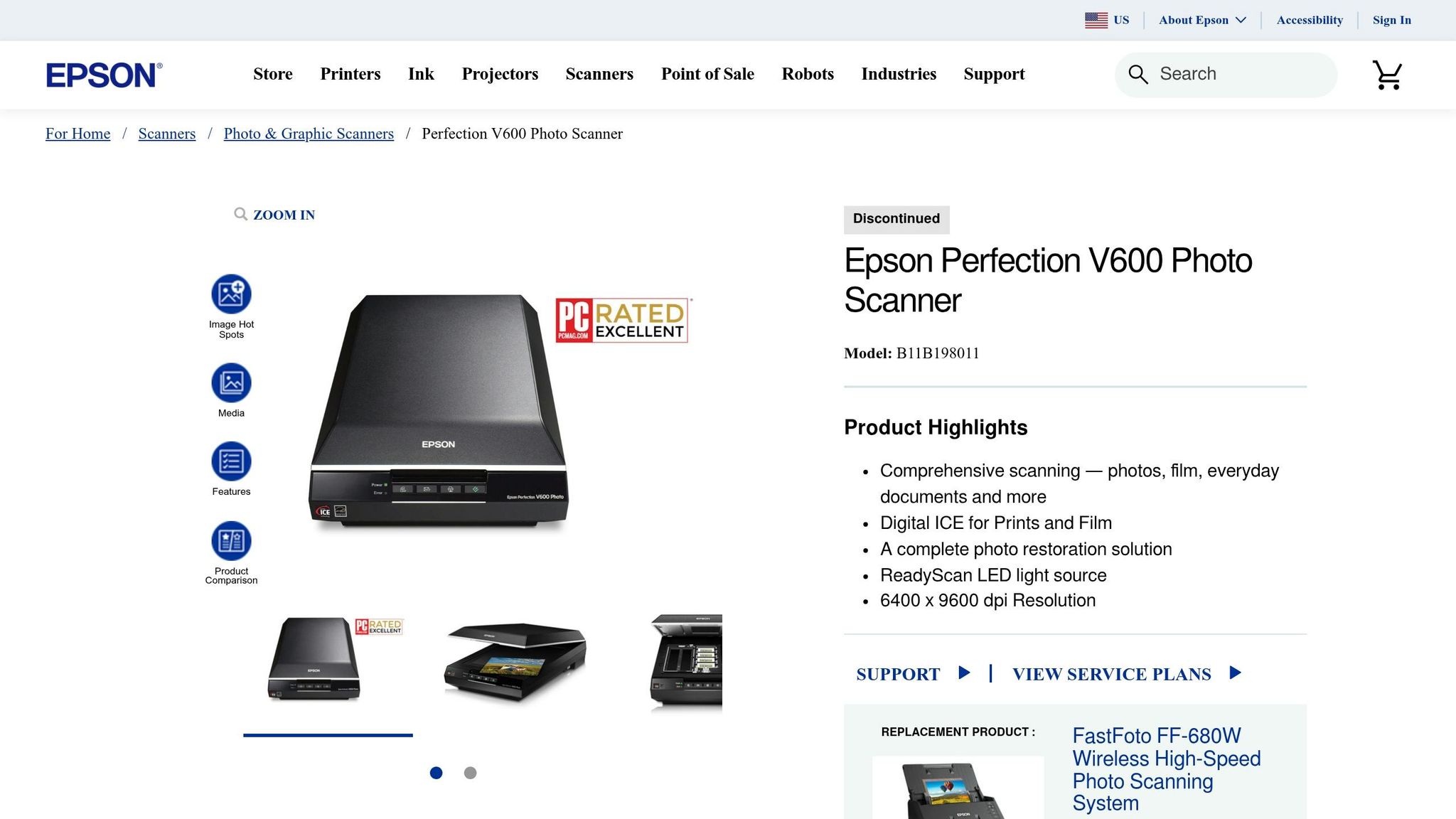
The Epson Perfection V600 is a fantastic choice for smaller photo collections that demand high-quality scans. With an impressive 6,400 DPI optical resolution, it handles prints, slides, and negatives, thanks to its built-in transparency units for 35mm and medium format film. Plus, its Digital ICE technology automatically removes dust and scratches during the scanning process. TechGearLab Senior Review Analyst Sentry Kelly praised it, saying:
I think this scanner is far and away the best for scan quality
At around $230, this scanner offers outstanding quality, making it a great option for preserving your family’s memories.
Epson FastFoto FF-680W
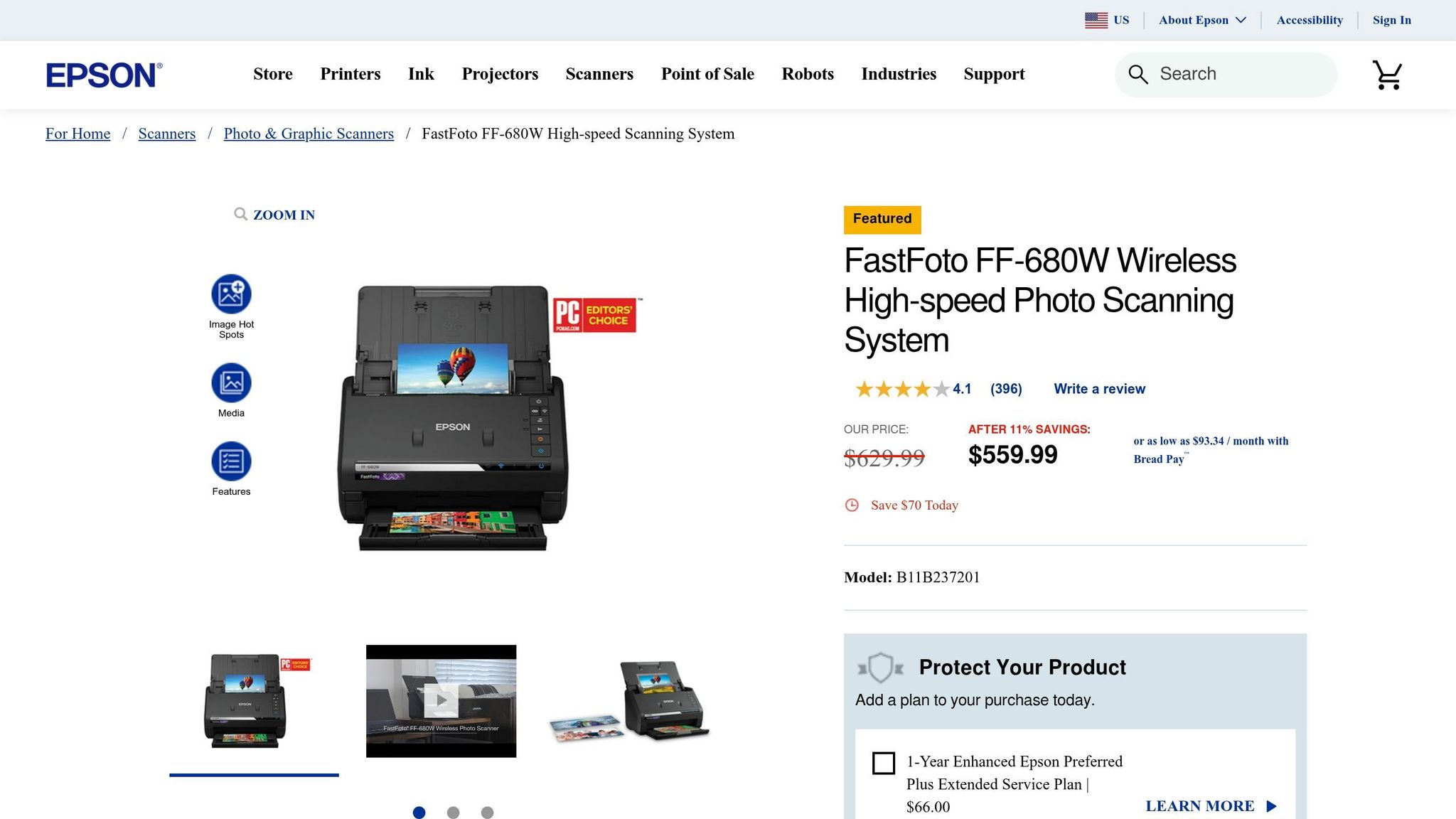
If you’re tackling a large collection, the Epson FastFoto FF-680W is a game-changer. It can process 36 photos in just 36 seconds at 300 DPI. PCMag editors highlighted its efficiency, noting:
makes perfect sense as a group purchase to pass from family member to family member, to each digitize their own cache of old photos
While it excels at handling stacks of photos with its automatic document feeder, it doesn’t support negatives or slides. Priced at about $560 new or $400 for certified refurbished models, it’s ideal for large-scale digitization projects.
Canon ImageFORMULA R40
The Canon ImageFORMULA R40 is a versatile option with a 600 DPI resolution and a 60-sheet automatic document feeder, making it efficient for processing photos. TechGearLab gave it an impressive overall score of 88/100 and named it the "Best Overall Scanner for Most Users". With a price range of $200 to $300, it offers dependable performance without breaking the bank.
Plustek ePhoto Z300
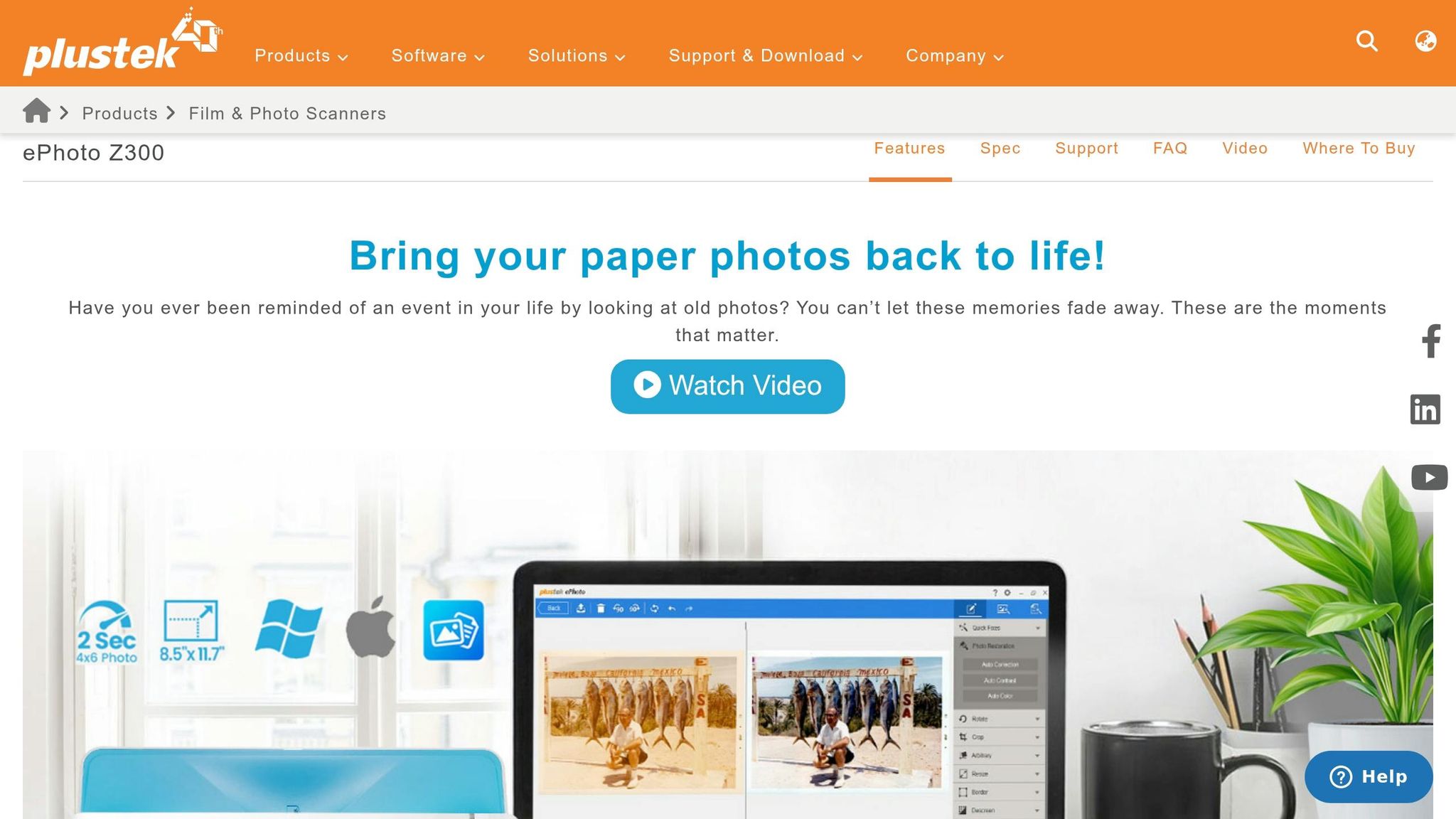
For delicate and fragile prints, the Plustek ePhoto Z300 is a standout. Its gentle slot-feed mechanism is designed to protect photos better than traditional document rollers. It scans a 4" x 6" photo in just 2 seconds. PCMag editors noted:
designed to minimize potential harm to photos
With over 9,600 Amazon reviews averaging 4.5 out of 5 stars, this scanner is priced between $200 and $220, making it a safe choice for handling delicate prints.
Canon CanoScan LiDE 400
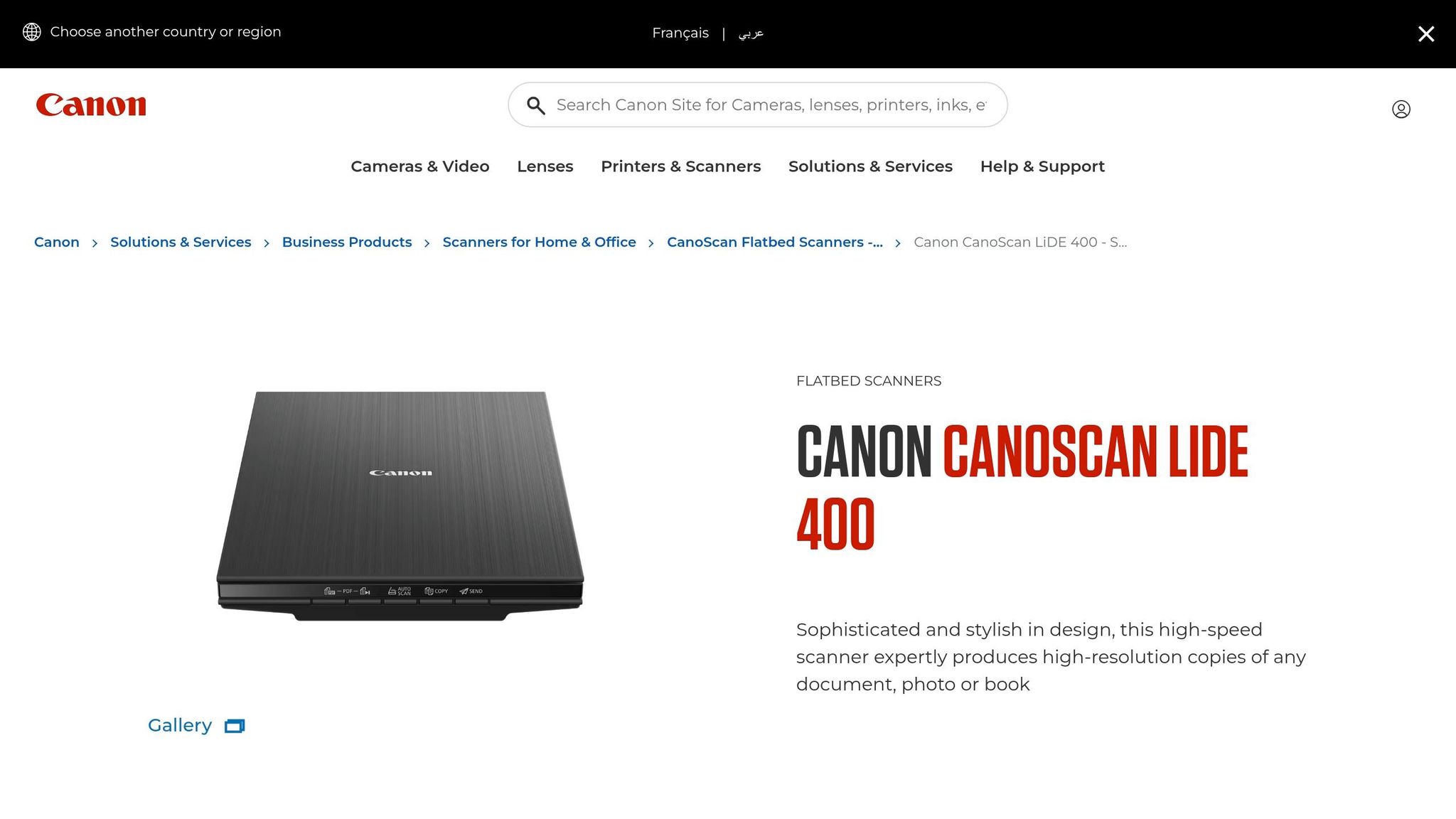
The Canon CanoScan LiDE 400 offers a solid 4,800 DPI resolution and can scan a 4" x 6" photo in just 4 seconds at 300 DPI. It’s powered by a single USB-C cable and even includes a kickstand for upright scanning, saving valuable desk space. PCMag rated it as "Excellent" with a score of 4.0. Available for around $97, this scanner is an affordable way to digitize your family photo collection.
sbb-itb-ce27d7a
Scanner Feature Comparison
When choosing a scanner, think about the size of your photo collection and how you plan to preserve it. Scanners differ in terms of resolution, speed, and capabilities, so these factors will help you find the right fit.
Resolution is one of the most important factors. For instance, the Epson Perfection V600 delivers an impressive 6,400 DPI optical resolution, making it ideal for high-quality archiving. On the other hand, the Canon CanoScan LiDE 400 offers 4,800 DPI, which is great for detailed scanning at a lower cost. However, if speed is your priority, high-speed sheetfed scanners like the Epson FastFoto FF-680W, Canon ImageFORMULA R40, and Plustek ePhoto Z300 provide 600 DPI, which is sufficient for most photo and document needs.
Speed and batch processing capabilities vary significantly across these models. The FastFoto FF-680W stands out with its ability to scan one photo per second and handle batches of 30–100 sheets. The Canon ImageFORMULA R40, equipped with a 60-sheet automatic document feeder, is another excellent option for batch processing. In contrast, the Plustek ePhoto Z300 uses a motorized slot feed, scanning photos in about 2 seconds each. Flatbed scanners, like the LiDE 400 and Perfection V600, require manual placement and are slower - taking approximately 8 seconds and 38 seconds per scan at 600 DPI, respectively.
Media compatibility is another factor to consider. For example, the Epson Perfection V600 includes a built-in transparency unit, making it the only option here capable of scanning negatives and slides. This feature is ideal for those looking to digitize film.
Feature Comparison Table
| Scanner Model | Resolution | Scan Speed (4" x 6") | Batch Capacity | Price Range | Best For |
|---|---|---|---|---|---|
| Epson Perfection V600 | 6,400 DPI | 38 seconds (600 DPI) | Manual (1 at a time) | ~$230 | Film, negatives, high-quality archiving |
| Epson FastFoto FF-680W | 600 DPI | 1 second (300 DPI) | 30–100 sheets | ~$560–$613 | Large collections, speed priority |
| Canon ImageFORMULA R40 | 600 DPI | ~1.5 seconds | 60 sheets | ~$287–$341 | Mixed documents and photos |
| Plustek ePhoto Z300 | 600 DPI | 2 seconds | Manual (1 by 1) | ~$220 | Delicate prints, budget-friendly speed |
| Canon CanoScan LiDE 400 | 4,800 DPI | 8 seconds | Manual (1 at a time) | ~$97 | Budget-conscious, occasional use |
Pairing Photos with Family Stories
Digitized photos are powerful on their own, but their true value shines when paired with the stories behind them. Take, for instance, a photo of your grandmother at 20. While her smile might captivate you, the absence of context could mean future generations lose the deeper meaning tied to that moment. The National Archives highlights a sobering fact: 90% of oral histories disappear within three generations if not documented. By embedding these stories into your photos, you ensure that the essence of your family’s history is preserved for years to come.
Photos have an incredible way of sparking memories. They can bring back events, emotions, and small details that might otherwise fade with time. When you combine scanned photographs with recorded stories, you create a legacy that captures not just the visuals but also the heart of those moments.
A practical way to preserve this connection is by embedding metadata into your digital files. Add details like names, dates, locations, and descriptions to each image. For instance, instead of leaving a file named "IMG_1234.jpg", rename it to something like "1965-06-15_grandma_graduation_pres.jpg." This simple step not only organizes your collection but also makes each photo's story instantly accessible. Metadata transforms a random image into a meaningful piece of family history.
As Viola Davis beautifully puts it:
"Every story matters. My father's story matters. We are all worthy of telling our stories and having them heard. We all need to be seen and honored in the same way that we all need to breathe." - Viola Davis, Actress
How Storii Helps Preserve Life Stories
Storii (https://storii.com) takes preserving family history to the next level by capturing the voices behind the images. The platform uses automated phone calls to help record family memories, ensuring that even those without internet or smartphones can easily participate. Loved ones receive calls with guided prompts from a library of over 1,000 carefully curated questions, making storytelling simple and natural - no need to face the daunting task of starting from scratch.
Each recording is transcribed and turned into downloadable audiobooks or PDFs, which can be securely shared with family members. This creates a lasting collection of memories that pairs seamlessly with your scanned photo archive. At just $9.99 per month or $99 per year, Storii offers an affordable way to preserve the voices and stories that make your family photos truly come alive.
Conclusion
Main Points to Remember
When choosing a photo scanner, focus on resolution, speed, and media compatibility. For most family photos, scanning at 300–600 DPI strikes a good balance between quality and manageable file sizes. If you have a large number of prints, a sheetfed scanner with an Automatic Document Feeder can handle up to one photo per second, making it a time-efficient option. On the other hand, flatbed scanners are a safer choice for delicate, curled, or damaged photos. If your collection includes negatives or slides, look for scanners with media-specific features like transparency units or specialized holders.
As the PhotoScanRestore Team explains:
"Choosing a photo scanner is a trade‑off between speed, safety, and print quality".
Consider the size of your collection and your budget. A basic flatbed scanner might cost around $75, while high-speed feeders can run up to $630. For extensive collections, time savings can make a pricier option worthwhile. As PCMag highlights:
"The FastFoto... will pay for itself in time savings many times over for big scan jobs".
With these tips in mind, you’re ready to start preserving your memories.
Getting Started with Photo Preservation
Now that you know what to look for, it’s time to digitize those cherished photos. Physical prints degrade over time, so don’t wait - start scanning today. Begin by organizing your photos by theme or date, then back up your digital files on an external drive and in the cloud.
To add even more value to your scanned photos, pair them with the stories behind them. Tools like Storii make this easy. For $9.99 per month or $99 per year, Storii uses automated phone calls and guided prompts to help record family stories. The service produces transcriptions, audiobooks, and PDFs, creating a rich narrative to accompany your photo archive. This way, future generations inherit not just the images but the full context of your family’s history.
FAQs
What scan settings should I use to keep file sizes reasonable?
To keep your file sizes under control, adjust your scanner settings to a resolution of 300–600 DPI, depending on how much detail you need. For most purposes, 300 DPI is sufficient, but if you're looking to capture finer details, go for 600 DPI. Save your scans as JPEGs with compression to shrink file sizes further. You can also tweak the color settings - like using grayscale or RGB - to strike a balance between detail and file size. These tweaks help maintain photo quality without making the files excessively large.
How can I scan fragile or curled vintage photos without damaging them?
To scan fragile or curled vintage photos without causing harm, opt for a scanner with a gentle slot-feed mechanism, such as the Plustek ePhoto Z300. This design reduces the need for excessive handling, lowering the risk of damage. For extremely delicate photos, a flatbed scanner with a soft, non-glare surface works best. Remember to handle photos with care, avoiding any bending or pressure. Also, make sure the scanner glass is clean to prevent scratches or marks during the process.
What’s the best way to label and back up scanned photos for long-term storage?
To keep your scanned photos safe for the long haul, start by organizing them in a structured way - think by date, event, or even by the people in the pictures. Use consistent and detailed file names that include key details like dates or occasions to make finding specific photos a breeze.
Don't stop there - back up your files! Create several copies and store them in different places, like external hard drives or cloud storage services. Make it a habit to check and update these backups regularly to ensure your digital memories stay secure and easy to access over time.
Related Blog Posts

Storii Gift Box
Best for special occasions such as Mothers Day, Fathers Day, Birthdays and the Holidays.

